
Windows
The main build, tested start to finish
- File
- gow3-windows.zip
- Version
- 2.3.0
- Size
- 70.9 MB
- Released
- Oct 15, 2026
- OS
- Windows 10 1903+ / 11, 64 bit
Unofficial fan port by FelipePrado0
The unofficial native PC port runs at up to 240 FPS, no emulator needed. Download it, set it up and fix it.
Three packages, one project. Every button opens the official GitHub Releases page, so you always get the newest build and its published SHA256 checksum.
You must own God of War III Remastered (PS4) to use the port. No game files are included. The 71 MB download is the port itself: a runtime, a launcher and a Vulkan translation layer. You supply the game folder from your own dump: CUSA01623 (US) or CUSA01715 (EU), version 01.00 or 01.02.
The main build, tested start to finish
AppImage, same launcher and runtime
The Linux build, on SteamOS
Every release ships a .sha256 file next to the archive. Compare it before you launch anything. On Windows, in PowerShell:
On Linux, download the checksum file too and let it check itself:
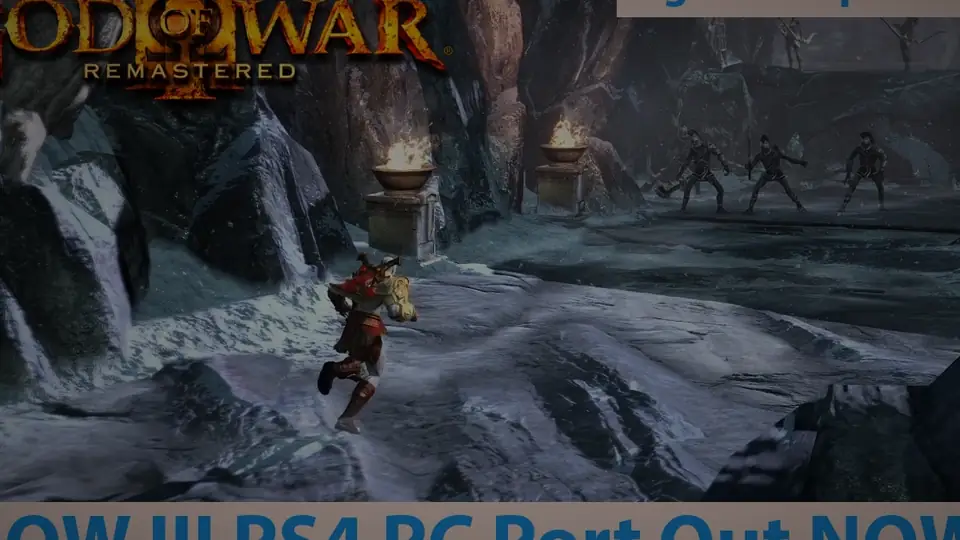
Written against release 2.3.0 and the launcher layout it ships with. Illustrations are gameplay stills and video frames, not screenshots of your machine, so read the control names in each step.
All six done. You are past the point where most first installs fail. Step 01 is below.
STEP 01
Open the Releases page and grab gow3-windows.zip, about 70.9 MB. The project has no installer, so nothing is written to Program Files and nothing needs administrator rights.
Ignore the older tags unless you are deliberately testing a regression. They are kept so that regressions can be reported, not because they are better.
STEP 02
Right click the zip, then Extract All, and pick a short path such as C:\Games\gow3-windows.
Do not run the launcher from inside the archive. Windows will happily open the exe from a temporary folder, and then your saves, shader cache and log land somewhere that gets deleted.
STEP 03
Open God of War III.exe. Windows will very likely show "Windows protected your PC". Click More info, then Run anyway.
That warning is expected: the launcher is not code signed, and code signing certificates cost money that a fan port does not have. It is not a signal that the file is malicious, but it is exactly why the previous step asked you to check the SHA256.
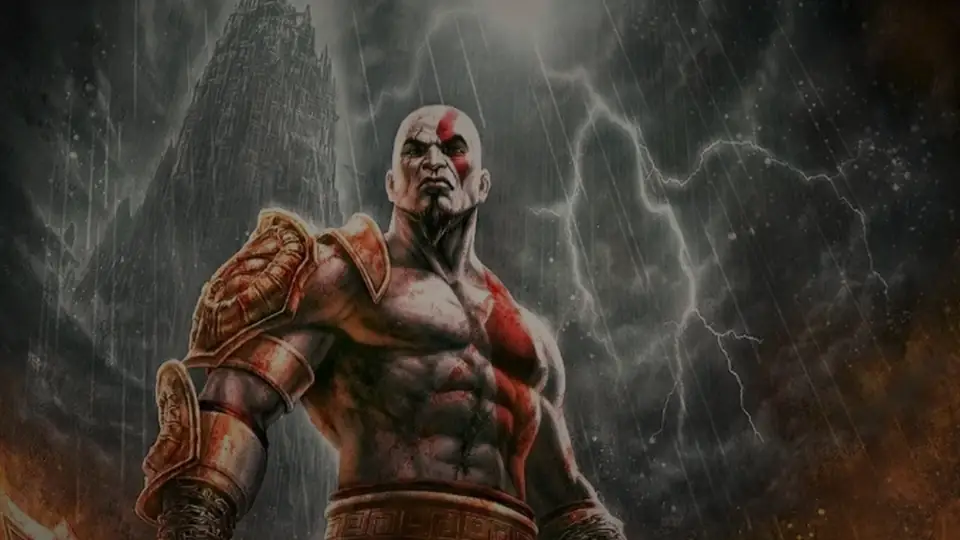
STEP 04
The launcher opens on Home. Click Choose the game folder and it drops you on the Game page, which is where the game folder, the update folder and the save backup options live.
Nothing else on this page is required to get started. Patches and fixes are already applied automatically.
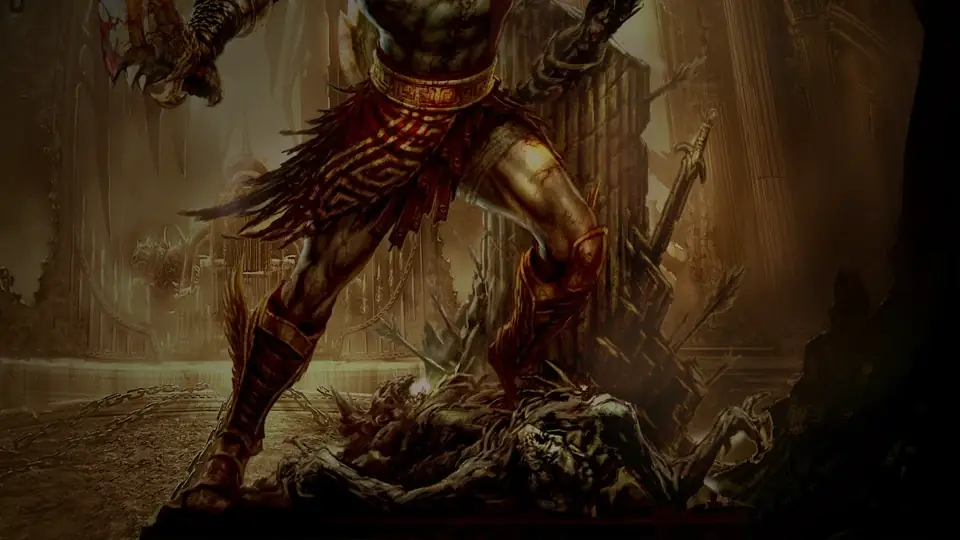
STEP 05
Next to Game folder, click Browse… and select the folder from your own dump. It must contain eboot.bin, sce_module and sce_sys.
Select the folder itself, not its sce_sys subfolder. Tested titles are CUSA01623 (US) and CUSA01715 (EU), at version 01.00 or 01.02.
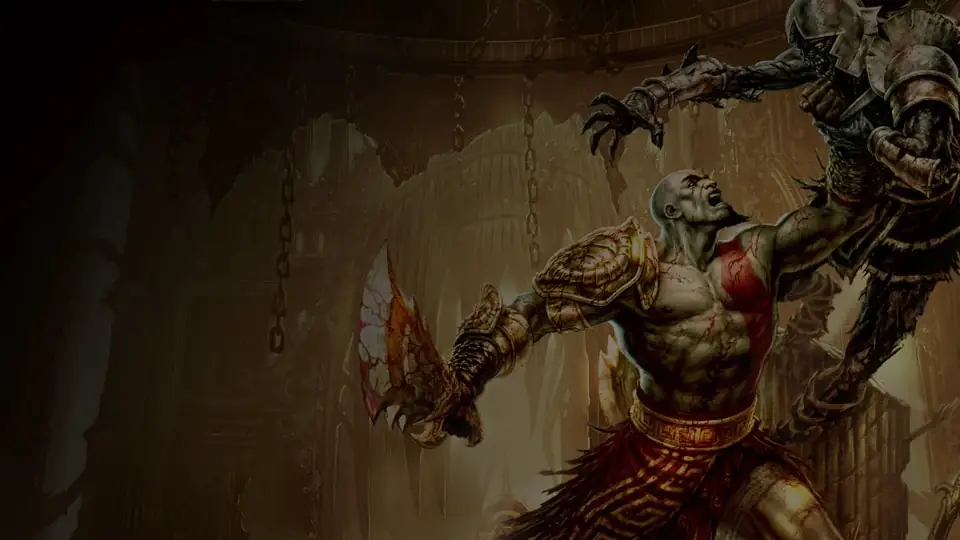
STEP 06
Go back to Home. The cover art appears, and under it a line reading CUSA01623 with version 01.02.
If that line shows something unexpected, you are on an untested region or version. Patches and cheats locate their sites by code signature, so an unknown build is not a crash, it is a build with fewer patches applied. The log will say which.
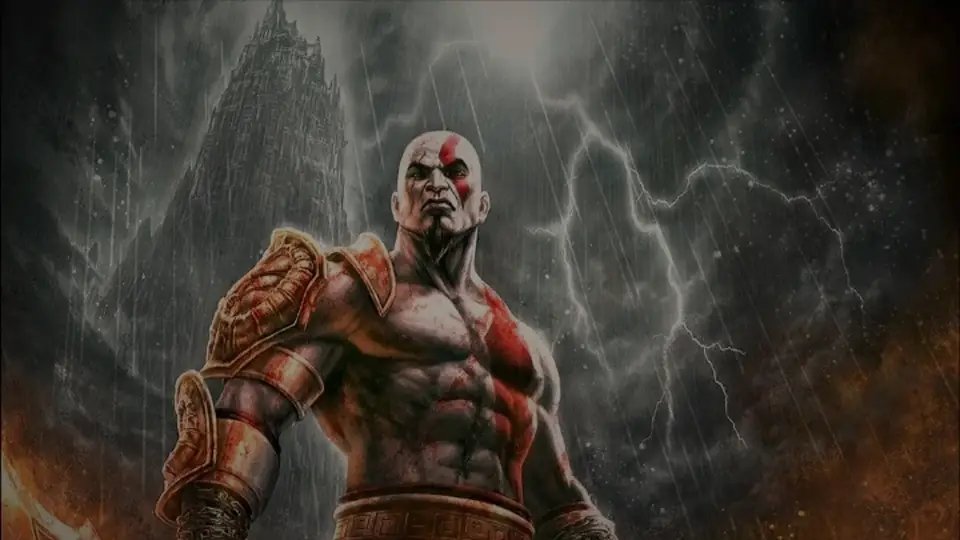
STEP 07
Still on Home, set display mode, frame rate limit, render resolution and anisotropic filtering. The defaults are sane: leave Deferred GPU readbacks on, it is roughly twice as fast in heavy scenes now that the texture bug behind it is fixed.
On AMD and Intel Windows drivers the port turns the game's multisampling off by itself, which is what removed the black lines on the RX 6600 family and Arc cards. The label names your card and the decision. On a 4K panel with a mid range card, drop the render resolution to 1080p or 1440p instead of turning features off.
STEP 08
The Save button is only active while there are pending changes. Save them, then press PLAY.
The first start prepares the game image and there is no shader cache yet, so it is slow and the first minutes stutter. That is compilation, not a broken port. From the second launch onward saved pipelines load in the background while you play, and a small "Loading shader cache" note shows the progress in the corner.
Afterwards, Play God of War III.exe skips the launcher and boots straight into the game with your saved settings. That is the one to put on the desktop or add to Steam.
STEP 09
Press Insert on the keyboard, or R3 + L2 on a controller. Four tabs open on top of the game.
Game has the cheats and orb multipliers. Image has display mode, VSync and RCAS sharpening. Performance has the frame rate limit, frames queued and background shader compiling. Overlay is the FPS and frametime readout, which is how you judge any setting you change.
Options that need a restart are collected behind one Apply and restart button, so you will not lose a run to a silent resolution change.
STEP 10
Your saves, settings, shader cache and last_run.log all live in the user folder next to the exe. The launcher backs saves up before every start, and keeping that folder is all it takes to survive an update.
To update, either download a newer zip and extract it over the old folder, or use Advanced, then Check for updates. On Linux there is no updater: download a newer AppImage.
Update to the current release first. The startup deadlock that opened a window with no picture, while the FPS counter kept running, is fixed by a patch that is always applied, even if the launcher kept a patch selection from an older version.
If it persists, open Advanced, then Log, and report your GPU, driver, game build and the log. Clearing the shader cache is not a general fix: it forces a full recompile on the next launch and often just moves the wait.
Windows ran out of virtual memory for the guest pool. Raise the page file: press Win + R, type SystemPropertiesAdvanced, then Performance, Settings, Advanced, Virtual memory, Change.
Uncheck automatic management, select drive C:, set a custom size (16384 MB initial and 24576 MB maximum is a sensible start), click Set, then OK, and restart the PC.
Read user\last_run.log or the log viewer under Advanced. A line starting with STOP: this CPU lacks means your processor is missing SSE4.2, POPCNT or AVX, and no setting will work around that.
The port needs a 64 bit CPU with AVX: Intel Sandy Bridge from 2011 or newer, or AMD FX or newer. Older CPUs without MOVBE, BMI1 and LZCNT used to crash outright and now run through an instruction rewrite, but their performance has not been measured.
This is the bug that 2.3.0 fixed: the ground after Poseidon, the rocks in the Heart of Gaia and other surfaces kept stale data because GPU readbacks wrote the game's memory without telling the texture cache. Update, and turn Deferred GPU readbacks back on if you had disabled it as a workaround. It is about twice as fast in heavy scenes with the fix in place.
If you are stuck on an older build, disabling Deferred GPU readbacks and restarting was the workaround, at the cost of stutter.
Six clips, covering the release, a low end laptop, the Steam Deck, a full boss run and the emulator comparison. Nothing loads until you click, so the page stays fast.
The short answer: almost any desktop from 2011 onward with a discrete Vulkan 1.3 card. The two real blockers are integrated Intel graphics and pre-2011 CPUs.
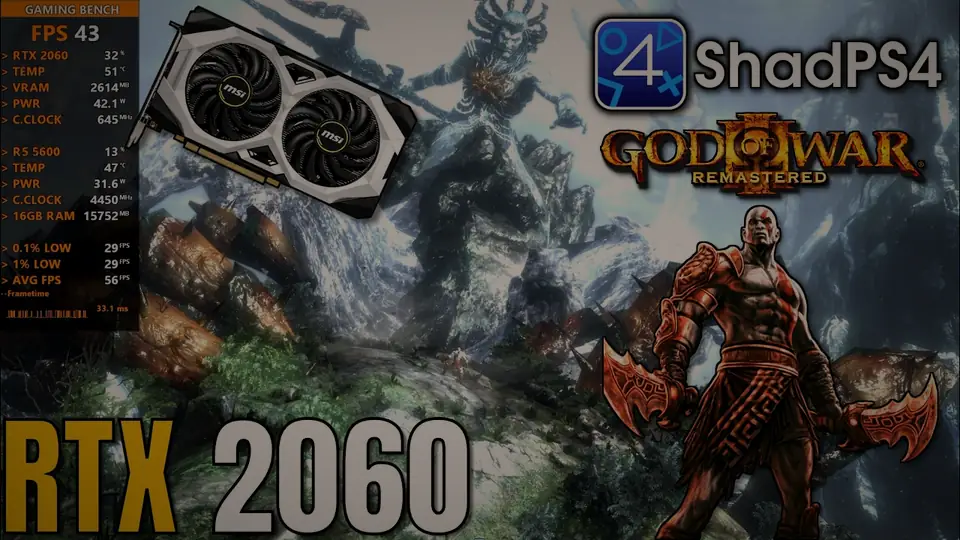
Reference system: Ryzen 5 5600X, Radeon RX 6700 XT, 32 GB RAM. These are the author's reference numbers and the 4K figure comes from a build with FSR 1 enabled. FSR 1 and the temporal upscalers are disabled in 2.2.0 and later while the author reworks them, so treat 4K as achievable but not as the tested default today. Always check the release notes for the build you download.
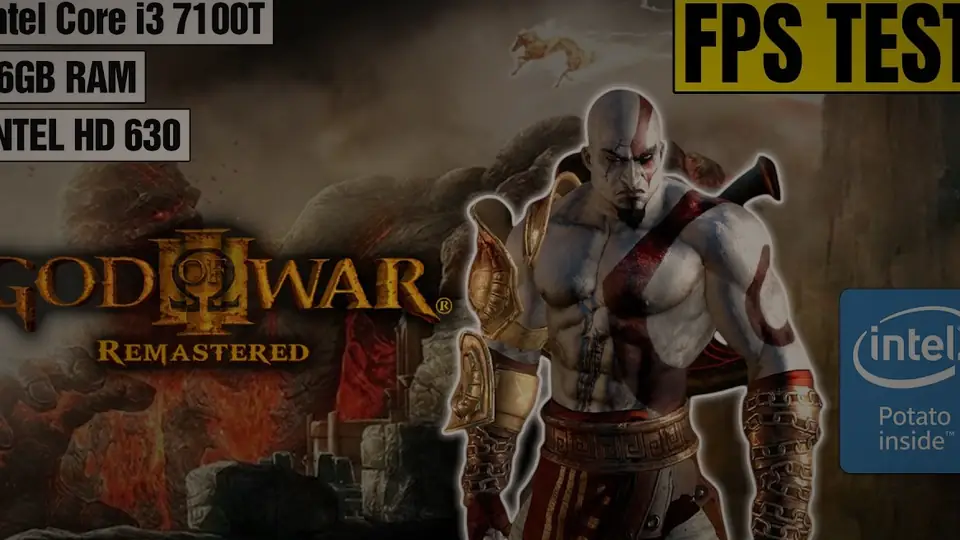
Intel HD and UHD iGPUs render a corrupted, black or blue 3D image and land around 14 to 16 FPS. Test builds for HD 630 exist but are not a general fix. Use a discrete GPU.
No AVX means the port stops at start with STOP: this CPU lacks ... in the log. This is a hard limit, not a configuration problem.
Resolution patches above 1080p trigger a start-up memory warning, and texture or alpha artefacts above 1080p are still being reported. Raise the Windows page file if the game exits with error 1450.
Four questions. Out comes the verdict, the launcher settings worth changing on your hardware, the known issues that actually apply to you, and which file to download. Your answers stay in this browser and are restored next visit.
Answer the four rows and this panel fills in: verdict, launcher settings, your known issues and your download.
Searching for a "God of War 3 PC emulator" gets you to shadPS4 or RPCS3. Here is what actually differs, because the port is built on the same graphics core and is not a separate universe.
| Native port (gow3_pc) | shadPS4 | RPCS3 (PS3 disc) | |
|---|---|---|---|
| What runs | God of War III Remastered, PS4 version | Any compatible PS4 title | The original PlayStation 3 release |
| CPU execution | Native x86-64, no CPU emulation | Native x86-64 with a full PS4 system layer | Full PowerPC emulation, the slow path |
| Graphics | shadPS4 Vulkan core plus the game specific fixes | shadPS4 Vulkan core | Its own Vulkan backend |
| Frame rate | 30 up to 240 FPS via engine patches | Needs the same patches, applied separately | Harder to push past 30 |
| Resolution | 480p to 4K render resolution patches | Configurable per game | Configurable per game |
| Built in menu | Yes, Insert or R3 + L2 | No, patches are files | No |
| Cheats | Built in, with orb and damage multipliers | GoldHEN cheat files | Patch files |
| Shader cache | Background compilation, saved between runs | Saved, configured manually | Saved, configured manually |
| Games supported | This one, deliberately | Many, with varying results | The PlayStation 3 library |
| Save transfer | Imports shadPS4 saves for CUSA01623 | Source of those saves | Not compatible |
The port is not a shadPS4 competitor, it is a specialist build of it. It uses the same Vulkan video core plus the God of War III rendering fixes, then adds the game specific parts: the launcher, the in-game menu, signature based patches and the background shader cache. If you only want God of War III, the port is the shorter path to a running game. If you play shadPS4 for other titles, keep it, and point it at the same CUSA01623 dump.
Every entry below comes from the project's own release notes and troubleshooting documentation, not from guesswork. Search it, or filter by what you are seeing. If a fix names a version, updating is usually the whole answer.
A deadlock between the emulated GPU and the game's EOP thread on the first flips. The window opened and the counter moved, but no picture ever appeared. Found from dumps of a stuck process and fixed in 2.2.0 by a patch that is always applied, even when the launcher kept a patch selection from an older version.
Windows ran out of virtual memory for the guest pool the port allocates. It is a page file setting, not a port bug.
Read user\last_run.log next to the exe, or the log viewer under Advanced. The log names the failing step: a missing game folder, an incomplete dump, a driver without Vulkan 1.3, or the CPU.
A line starting STOP: this CPU lacks means your processor is missing SSE4.2, POPCNT or AVX. There is no setting that works around it. The port needs a 64 bit CPU with AVX: Intel Sandy Bridge from 2011 or newer, or AMD FX or newer.
Since 2.3.0 the launcher says so directly: the dump may be incomplete. Point it at the folder that contains eboot.bin, sce_module and sce_sys.
Select the folder itself, not the sce_sys subfolder. A partial copy, or a folder holding only the update and not the base game, is the usual cause.
GPU readbacks wrote the game's memory without telling the texture cache, so surfaces over that memory were never reloaded. It showed up on the ground after Poseidon and on the rocks in the Heart of Gaia. Fixed in 2.3.0.
The game draws with a 2-sample depth buffer and reads it as a texture. AMD's and Intel's Windows drivers return zero for half of each 8x8 tile there, so lighting, fog and bloom inherited visible bands. Fixed in 2.1.8.
The port now creates the game's multisampled images with a single sample on those two driver families and leaves NVIDIA alone. Check Performance, then GPU data, then Game multisampling: the label names your card and the decision, for example "Automatic (Intel Arc A750 Graphics: off)". Choose Off manually if the lines appear on some other card.
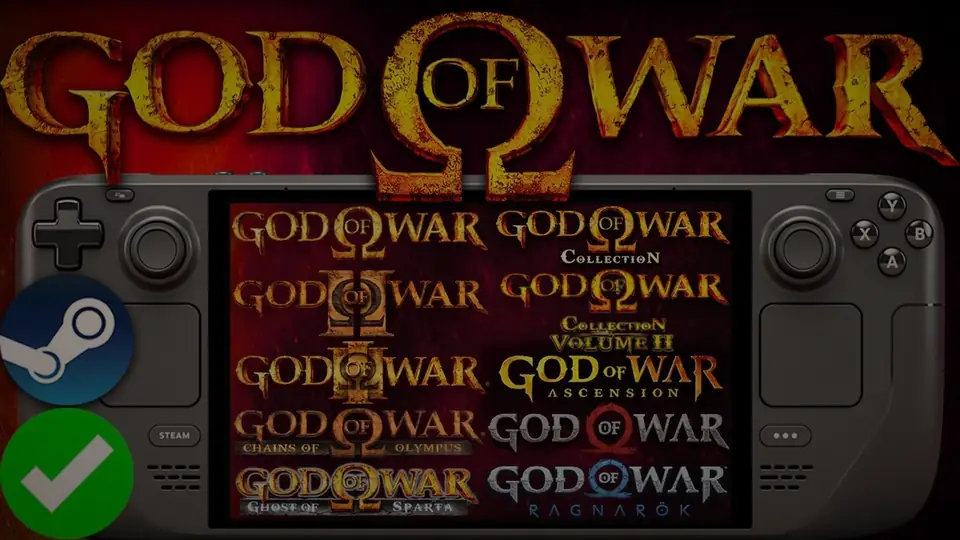
RADV needed a queue that supports sparse buffer binds. Fixed in 2.3.0, which is the release Deck owners were waiting for.
Download the current gow3-x86_64.AppImage. There is no Linux updater, so replacing the file is the update. The published 2.2.0 AppImage still has this bug.
The AMD switchable graphics Vulkan layer hid the NVIDIA GPU from the port entirely. Fixed in 2.3.0: the launcher turns that layer off for you.
If you are on an older build, set the launcher's Graphics card choice to the NVIDIA adapter explicitly, and add bin\gow3-probe.exe to your driver's per-application profile.
Two different causes, both fixed. On CPUs whose timestamp counter differs per core, sceKernelReadTsc followed the raw rdtsc, so the game jumped several seconds whenever a thread changed core. Since 2.1.8 it follows the process clock instead.
The other cause is a missing frame rate patch: the engine, direct memory and VBlank rate follow whichever patches actually applied, so if one could not be found the game no longer speeds up. The log says which patch was skipped.
The first start prepares the game image and there is no shader cache yet, so the opening minutes compile pipelines while you play. A small "Loading shader cache" note appears in the corner.
From the second launch onward saved pipelines load in the background. Keep the user folder: deleting it throws the cache away and you pay the compile cost again. Stutters and missing effects during compilation can still happen, and are expected rather than broken.
The reference number, 144 FPS average at 1080p with the 240 FPS engine patch, came from a Ryzen 5 5600X and an RX 6700 XT. It is a reference, not a floor.
Pads go through SDL3, and keyboard and controller work at the same time, both remappable on the launcher's Game page. A controller connected after the game started is not always picked up, so plug in first and restart.
For the prompts themselves, use Game, then Controls, then In-game button icons: Original, Match my controller, Xbox or Nintendo. It rewrites two files inside the port's data folder and never touches your game folder. On a pad without a touchpad, View opens the pause menu and L1 + View opens photo mode.
The renderer is not God of War III.exe. The actual game process is bin\gow3-probe.exe, or out\gow3-probe.exe for a source build. Add that executable to RTSS.
Only shadPS4 saves are compatible, and only for the same title ID. RPCS3 saves come from the PlayStation 3 game and will not load.
The save dialog shows at most 32 entries. If your imported slot is missing from a long list, test it with a separate Saves folder containing just that slot.
No, not if you keep the user folder that sits next to God of War III.exe. Saves, settings, shader cache and last_run.log all live there, and the launcher backs saves up before every start.
Extract a new zip over the old folder, or use Advanced then Check for updates. Settings for the launcher itself are separate, in %APPDATA%\gow3-launcher\settings.json, and on Linux in ~/.config/gow3-launcher with saves in ~/.local/share/gow3.
Before 2.1.7 everything was off on the full 01.02 update and on the European CUSA01715 build. Each patch site and cheat hook is now found by the original code around it, so it applies wherever a release placed that code.
A site that cannot be found leaves only that patch off, and both the log and the launcher's patch list say which one. Tested: CUSA01623 and CUSA01715, versions 01.00 and 01.02. Other regions may work but are untested.
A known launcher bug: turning the experimental temporal upscaler on and back off leaves Screen sharpening (RCAS) off in gow3.ini.
Turn it back on under Image, either in the launcher or in the in-game menu. Worth knowing: FSR 1, FSR 3.1, FSR 4, TAA and DLSS are all disabled in 2.2.0 and later while the author reworks them, so the switches exist but do nothing.
You have an earlier download. The AppImage was rebuilt on October 14 for glibc 2.39 and newer, which is what makes it start on SteamOS, Bazzite, Fedora, Debian 13 and Ubuntu 24.04 or newer.
Download the AppImage again, then chmod +x gow3-x86_64.AppImage and run it. On an older distribution the launcher startup is not checked, so treat it as untested rather than broken.
Using the optional Update folder without Windows Developer Mode means the temporary view is not removed cleanly when the game exits, so those folders accumulate.
Leave Update folder empty and merge the update into the game folder instead. If they are already there, they are safe to delete once the game is closed.
Mods and patches are applied in memory at start, and your game folder is never modified, so a broken list is always reversible by disabling it. The launcher's mods page has load order, presets and conflict reporting.
Order matters when two mods touch the same file: the later entry wins. Change one thing at a time and restart, because nothing applies at runtime.
GPU specific rendering failures, crashes, audio problems and progress blockers are still under investigation. They are tracked in the project's issue tracker rather than fixed by a setting.
Before reporting: update to the newest release, search the existing issues, and include your GPU, driver, game build, the failing patch list from the log, and a save from before the problem where that is relevant. Attach user\last_run.log.
No fix matches that. Try a shorter word, or search the project's issue tracker.
Taken from the release notes. The rules are driver based, not model based, so a card you do not see here is usually fine rather than unsupported.
Two of the newer games already have official PC releases. If you are here because you want Kratos on a keyboard, these are the ones you can simply buy.
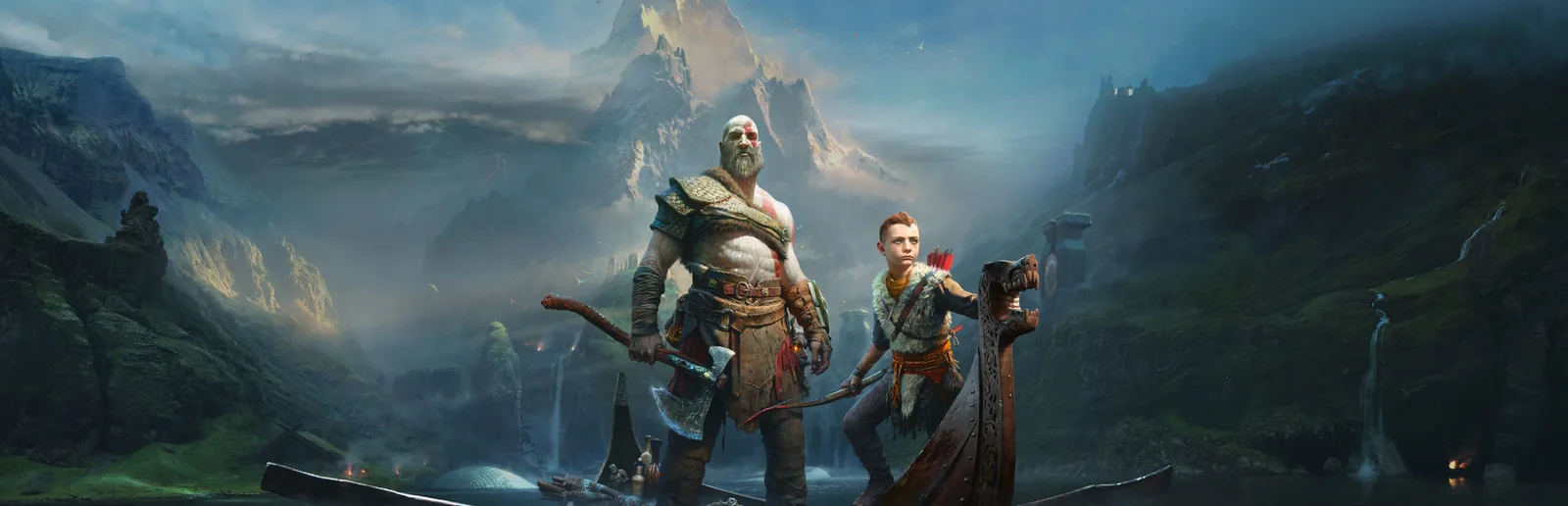
The Norse reboot, fully native on PC with DLSS, FSR and ultrawide support. Steam and Epic.
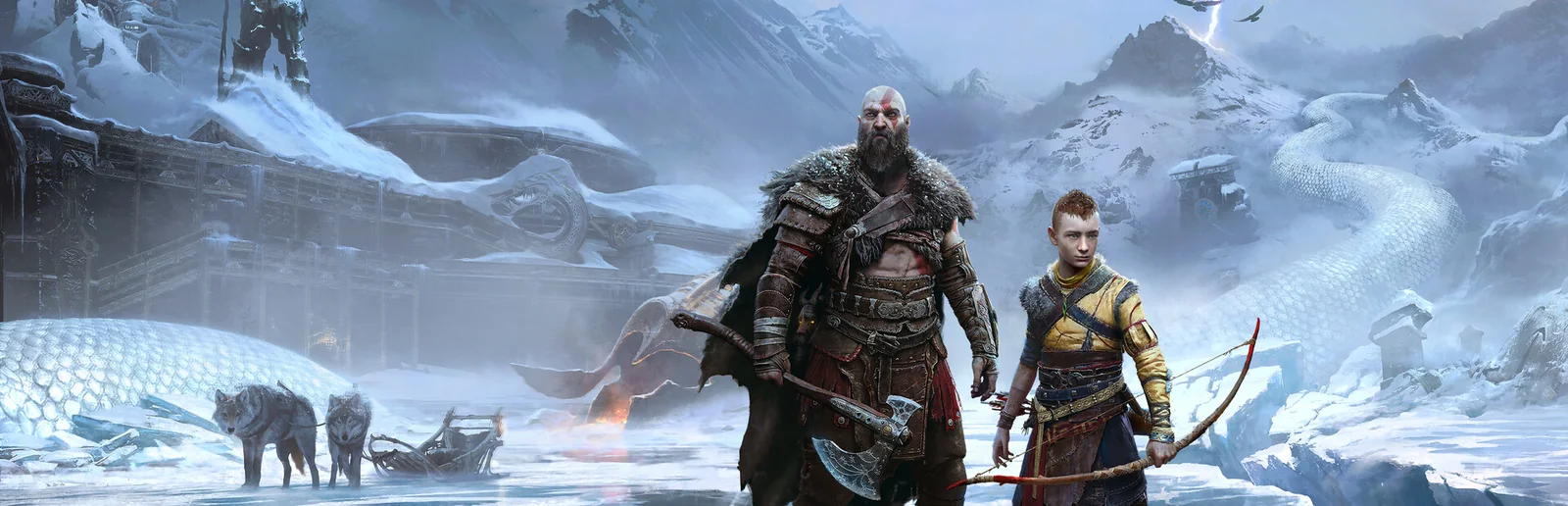
The sequel, also native on PC. Valhalla is included, so the whole modern arc is playable.
Sony has said nothing about a PC release for the Greek saga or for God of War III Remastered. A new entry starring Laufey has been teased, but no platforms or dates have been announced, and this page will be updated the day that changes.
Twelve questions that cover the download, the files you need, the legal position and the two failures people actually hit.
The newest one, which is 2.3.0 at the time of writing. It fixes the texture corruption that made surfaces turn yellow, orange or white, and the Steam Deck corruption on Kratos and logos.
Windows gets gow3-windows.zip, Linux and Steam Deck get gow3-x86_64.AppImage. Keep the launcher's Advanced, then Check for updates in mind: the author has been shipping a build a day, and old builds age badly.
Because you are downloading the port, not the game. The zip holds a runtime that reimplements the PlayStation 4 system libraries, a launcher, and the Vulkan translation layer.
The game itself is the several gigabytes you already own on PlayStation 4. That is also why the download is small and legal: no game data is redistributed.
A dump from your own God of War III Remastered disc. The folder you point the launcher at must contain eboot.bin, sce_module and sce_sys.
Tested titles are CUSA01623 (US) and CUSA01715 (EU) at version 01.00 and 01.02. Other regions may work but are untested, and a different version usually means fewer patches are applied rather than a crash.
The port is an unofficial fan project under the GPL v2 licence and it distributes no game data at all. Using it requires game files dumped from a copy you own, the same requirement every PlayStation 4 emulator has.
So: dumping your own disc for personal use is the position the whole emulation scene operates from, and it is what this guide assumes. This site hosts no game files, links to no piracy source, and explains no disc protection bypass. Nothing here is affiliated with Sony Interactive Entertainment or Santa Monica Studio.
Three reasons, and they all help you. The link always resolves to the newest build, so you cannot be handed a stale one. The SHA256 checksum sits on the same page as the file, published by the person who built it, so you can verify what you run. And the GPL v2 repository stays the single source of truth for the code and its bug tracker.
Update first. A startup deadlock used to open a window with no picture while the FPS counter kept running, and the current release fixes it with a patch that is always applied, even when the launcher kept a patch selection from an older version.
If it still happens, read Advanced, then Log, and report your GPU, driver, game build and the log. Clearing the shader cache is not a general fix: it forces a long recompile next launch.
Open user\last_run.log next to the exe, or the log viewer under Advanced. A line starting STOP: this CPU lacks means your CPU is missing SSE4.2, POPCNT or AVX and no setting will fix it.
Otherwise the log usually names the failing step: a missing game folder, an incomplete dump, or a graphics driver without Vulkan 1.3.
From shadPS4, yes. Copy each slot folder into user\savedata\1\CUSA01623 next to God of War III.exe, keeping the same title ID.
Then create a sibling <slot>.sce_sys folder for the slot icon, and never rename param.sfo to param.bin: the formats differ. RPCS3 saves come from the PlayStation 3 game and will not load, and the port's save dialog shows at most 32 entries.
Yes. DualSense, DualShock 4, Xbox and other pads work through SDL3, at the same time as the keyboard, and both are remappable in the launcher.
You can also make the game's own prompts match your pad under Game, then Controls, then In-game button icons, with Original, Match my controller, Xbox and Nintendo options. That rewrites two files inside the port's data folder, never your game folder. On a pad without a touchpad, View opens the pause menu and L1 + View opens photo mode.
Yes, and it is built in rather than a file you install. Press Insert or R3 + L2 while playing.
The Game tab has infinite health, magic, item meter, Rage of Sparta and max red orbs, plus multipliers from 0.1x to 100x for red, green, blue and gold orbs and for damage dealt and taken. There is an enemy health bar too, if you want the game easier rather than trivial.
Yes. The launcher has a mods page with load order, presets and conflict reporting, documented in the project's own mods guide.
Mods and patches are applied in memory at start: your game folder is never modified, which means a broken mod list is always reversible by disabling it.
Sony has ported God of War (2018) and God of War Ragnarok to PC, so the modern games are covered. God of War III Remastered has never been announced for PC and has no release date.
Until that changes, this fan port is the only way to play God of War III natively on a PC. The PlayStation 4 Remastered release is still the version to own, since it is the one the port needs.
The Remastered release is its own question: what it changed from the PlayStation 3 original, which dump you need, and how it behaves at 4K. That is covered on its own page.
The port is moving fast. This is the timeline that matters, newest first, with what each build actually changed. Updated whenever a new release lands.
Oct 15, 2026
Oct 14, 2026
Oct 13, 2026
Oct 13, 2026
Oct 12, 2026
Linux line
Test builds
Ready
The texture fix alone is worth updating for. Windows, Linux and Steam Deck, from the author's own release page.